Untuk yuran aplikasi kad maya
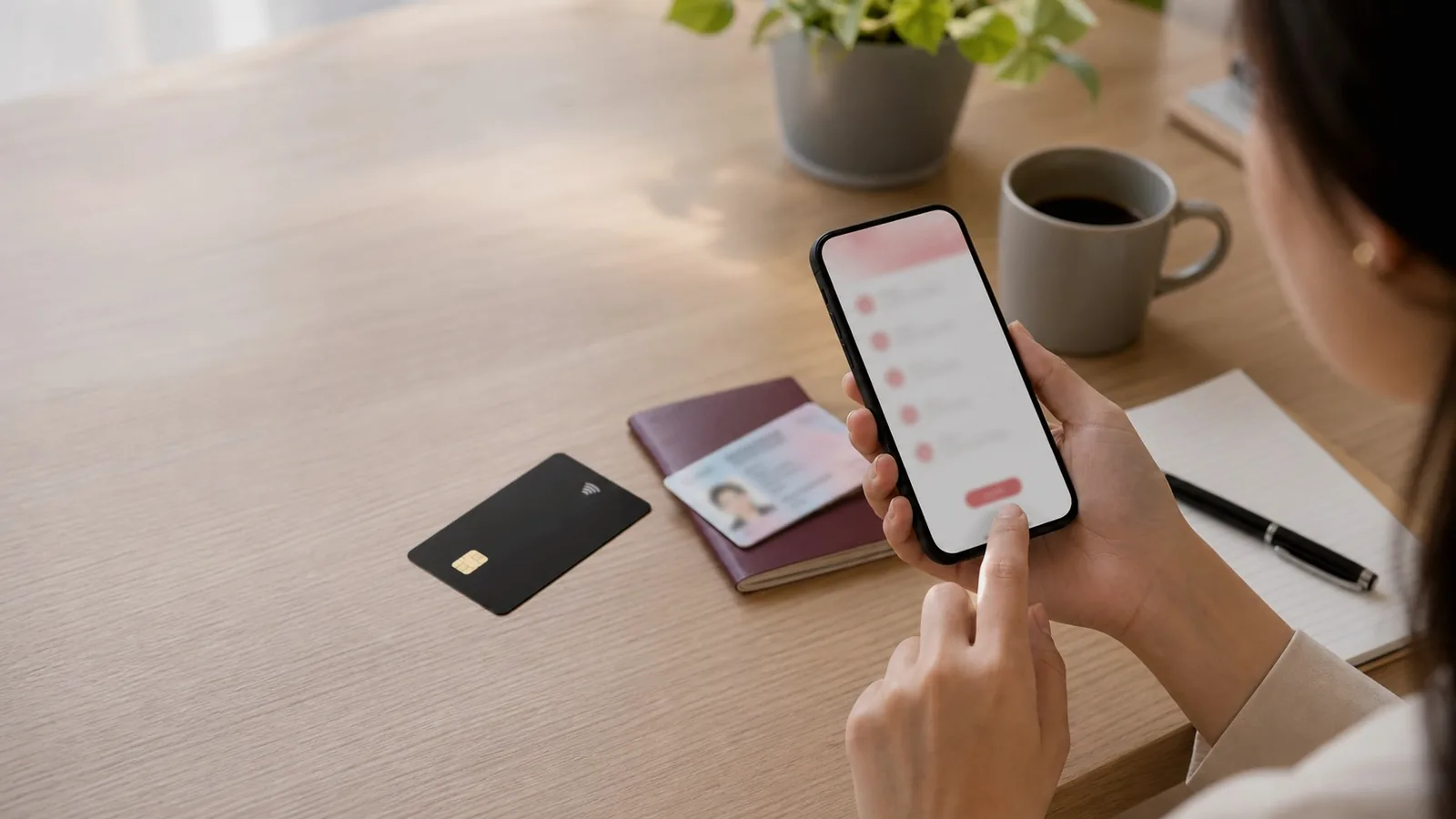
Main card page
Cara apply kad RedotPay
Malaysia checklist for what RedotPay is, virtual vs physical card, 10 USD / 100 USD fee, KYC, current fee screen and safer first use.
kad RedotPayMalaysiaKYC10 USD100 USDfee screen
What RedotPay is in Malaysia
RedotPay is an app and card product that some Malaysians check for online card payments, travel backup and crypto-funded spending. It is not the same as DuitNow, Touch 'n Go, GrabPay or a Malaysian bank account.
Availability, KYC approval, card type and fees must be confirmed inside the official app. Use this page as a checklist before confirming any card application fee.
- Check the official app source first.
- Confirm Malaysia eligibility in the app.
- Keep local e-wallet or bank backup ready.
Cara apply kad RedotPay
Start with the official app source, then check whether your account can complete KYC and show the card application screen. Do not pay the card fee until the card type, fee and account details are clear.
For Malaysia users, the clean path is simple: choose virtual or physical card, verify identity, review the fee screen, then apply only if the current app screen matches your plan.
- Use the official app only.
- Confirm your country and account details.
- Check the fee screen before you pay.
Promo yuran kad
Diskaun 20% yuran kad
Pilih kod ikut jenis kad sebelum bayar yuran dalam app RedotPay.
VIRTUAL20 untuk kad maya. PHYSICAL20 untuk kad fizikal. Semak diskaun dan jumlah akhir dalam app RedotPay sebelum bayar.
Untuk yuran aplikasi kad fizikal
Virtual card vs physical card
Virtual card is the cleaner first choice for online checkout, subscriptions and app-based card payments. It avoids delivery timing but still needs billing details, balance and merchant acceptance.
Physical card adds shipping, delivery address, activation, PIN, POS, ATM and travel context. Choose it only if you actually need in-person card use or travel backup.
- Virtual card: online use first.
- Physical card: delivery and travel context.
- Both still need app checks and enough balance.
10 USD / 100 USD fee
Official RedotPay Help Center pages list a 10 USD virtual card application fee and a 100 USD physical card application fee. Use those numbers as a reference, then confirm the current in-app amount before paying.
The card fee is not the same as spendable card balance. Keep enough balance for the fee, network cost if you deposit crypto, and a small first payment test.
- Virtual card reference: 10 USD.
- Physical card reference: 100 USD.
- Current app screen is the final check.
KYC
KYC is the gate before normal card use. Prepare original documents, use your legal name, keep lighting clear and avoid screenshots or edited documents.
Do not buy verified accounts or use someone else's identity. That can create account lock, deposit risk and support problems after money has moved.
- Use original ID.
- Match your legal name.
- Do not use paid or borrowed accounts.
Semak kod promo yuran kad
VIRTUAL20 untuk kad maya. PHYSICAL20 untuk kad fizikal. Masukkan kod yang betul dalam app RedotPay semasa apply kad atau sebelum bayar yuran kad.
Semak diskaun dan jumlah akhir dalam app RedotPay sebelum bayar. Jangan rush bayar kalau app source, KYC atau fee screen masih belum jelas.
- Kad maya: VIRTUAL20.
- Kad fizikal: PHYSICAL20.
- Simpan fee screen dan receipt.
Safety FAQ
Before KYC or crypto deposit, check the official app page and Help Center. Avoid Telegram sellers, APK mirrors, paid verified accounts and anyone asking for OTP.
Touch 'n Go, GrabPay, DuitNow and Boost are local Malaysian payment methods. Keep them as backup for wallet-only or QR-only merchants.
- Never share OTP.
- Never send crypto to a private chat address.
- Keep local MYR payment backup.
Related Malaysia guides
Finish the card setup after applying
The application is only the first step. Confirm the balance, activation, PIN, billing and delivery flow before payment or travel.
- RedotPay insufficient balance — Malaysia guide to RedotPay insufficient balance errors: fees, FX buffer, pending holds, subscription renewal and retry timing.
- RedotPay card activation Malaysia — Guide to RedotPay card activation: virtual card readiness, physical card activation, PIN, ATM and app checks.
- RedotPay card PIN Malaysia — Guide to RedotPay card PIN: physical card, ATM, contactless, app security and what to do before travel.
- RedotPay billing address Malaysia — Guide to RedotPay billing address: English address entry, cardholder name, online checkout and physical card shipping.
- RedotPay physical card delivery Malaysia — Delivery guide for RedotPay physical card: shipping address, tracking, activation, PIN, travel timing and backup payment.
Semakan ringkas
Apa yang perlu dibandingkan dahulu: cara apply kad RedotPay
| Step | What to check | Why it matters |
|---|---|---|
| 1 | Official app source | Avoid fake apps before KYC. |
| 2 | Virtual card vs physical card | Choose the card type that matches your payment plan. |
| 3 | 10 USD / 100 USD fee screen | Confirm the current app amount before you pay. |
| 4 | KYC | Wrong name or document can block use. |
| 5 | Discount check | Check if the final amount is clear before confirming. |
| 6 | Small first deposit | Avoid wrong network or missing deposit loss. |
Semakan seterusnya
Topik yang pengguna Malaysia biasanya semak
Gunakan semakan ini sebelum daftar, apply kad, tambah baki atau cuba bayaran pertama.
FAQ
Soalan lazim untuk pengguna Malaysia: cara apply kad RedotPay
How much is the RedotPay card fee?
Official Help Center pages list 10 USD for virtual card and 100 USD for physical card. Check the current in-app screen before paying.
Is KYC needed before applying?
Identity checks are required before normal RedotPay use. Prepare original ID, match your name exactly and do not use screenshots or edited documents.
Can I use Touch 'n Go, GrabPay or DuitNow instead?
Those are separate local payment methods. Use them when the merchant needs local wallet or DuitNow QR. Use RedotPay only where the card/app flow is supported.
Where should I start?
Start with official app source, KYC, fee screen and a small test deposit. Then apply for the card only if the card fee and payment plan make sense.
Which promo code should I use before applying?
VIRTUAL20 untuk kad maya. PHYSICAL20 untuk kad fizikal. Semak diskaun dan jumlah akhir dalam app RedotPay sebelum bayar.
Before you start
Check fees, KYC and app source first
Open RedotPay only after app source, KYC and current card fee are clear.
Sources checkedOfficial pages and public signals used for context.
- Identity verificationOfficial KYC flow and device reminder.
- Identity requirementsOfficial age, document and name-match requirements.
- Download appOfficial app download page. Use this to avoid fake app links.
- Card application feesOfficial virtual card and physical card application fee reference.
- RedotPay cardOfficial card product page for core card positioning.
- Card limitations and feesOfficial help page for current card fee details.